Define the component catalog
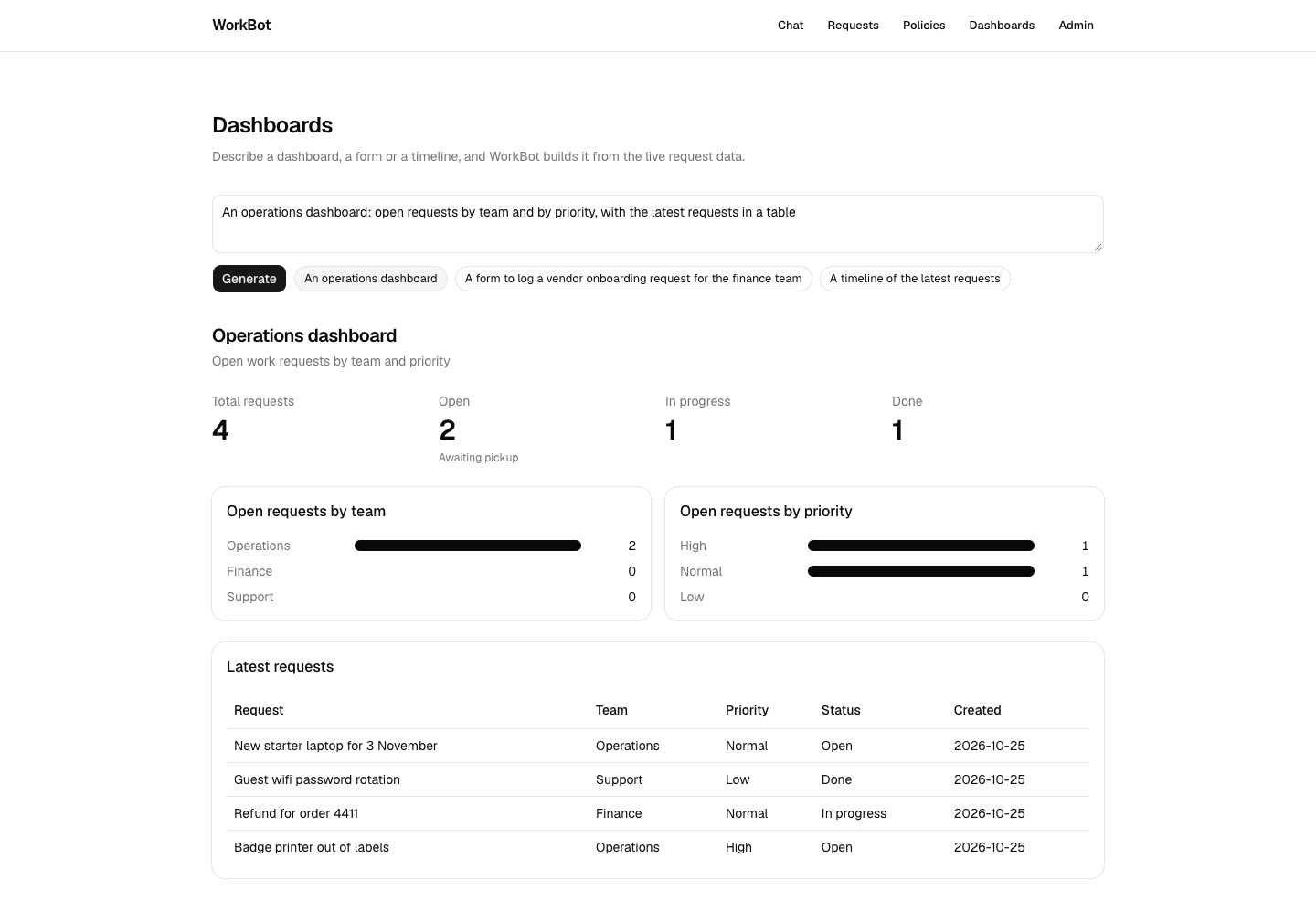
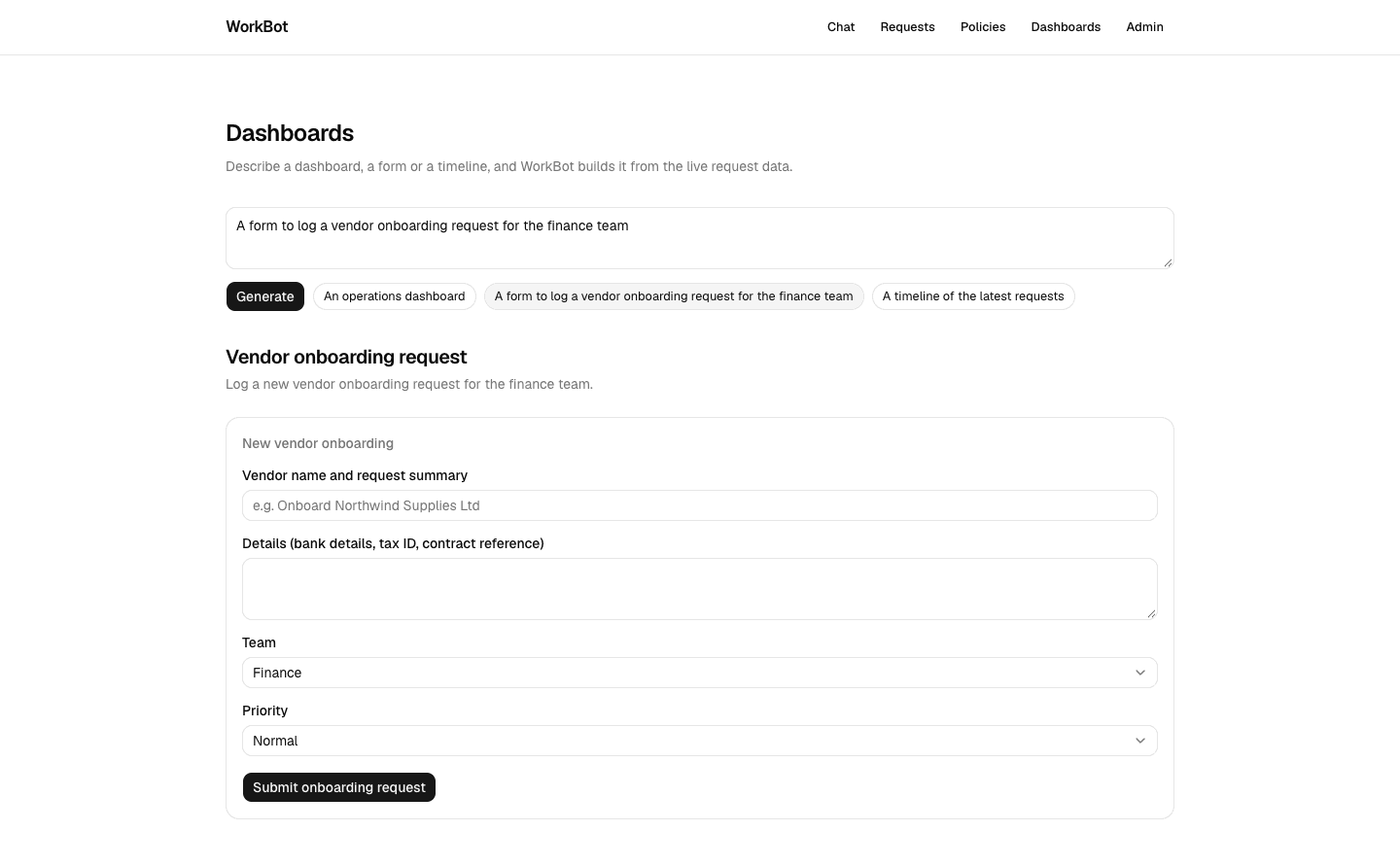
The catalog is what keeps generated pages safe, so it comes first. The model composes from this fixed list of components, each with a schema for its props. A generated page can then render only components you approved, with props the schema accepts.
Study first
- Learn json-render's spec from its introduction. A spec is a root, a map of elements and optional state, and each element has a type, props and children.
- Read the streaming guide, which shows how the model streams the spec as JSON patches, small edits that each set one part of it. The patches follow JSON Patch, and
useUIStreamapplies them for you. - Read the catalog guide for
defineCatalog, which takes components with Zod props, slots for children and a description the model reads.catalog.prompt()turns the catalog into the model's instructions.
Build
- Run
pnpm add @json-render/core @json-render/reactandpnpm dlx shadcn@latest add alert progress tabs. - Write
src/lib/catalog.tswith 22 components.Page,Stack,GridandCardhandle layout, andHeadingandTexthold text.MetricandProgressshow numbers, andBadgeandAlertshow labels. - Add the data components
Table,BarChart,LineChart,PieChartandTimeline, andTabs. Then add a form made ofForm,Input,Textarea,Select,CheckboxandButton, with one action,submit_request. - Write descriptions that say when to use each component, and keep the props narrow, because the model reads both. Badges and alerts take a tone enum, and a grid takes 2 to 4 columns.
- Write a test that the catalog has at least 15 components, and that
catalog.prompt()names the main ones and thesubmit_requestaction.
Done when
pnpm testpasses.- When you print
catalog.prompt(), it lists the 22 components with their props.
Technical notes
- Make props nullable rather than optional, so the model sends every prop, with
nullwhere there is nothing. - A
Metrictakes a string or a number as its value, so "$1,240" and 17 both render. - The catalog is the contract between the prompt and the renderer.
defineRegistryis typed by the catalog, sotscfails when a component is added to one without the other.