Configuration in levels
The first move puts every setting a customer might change into configuration, read in one order of precedence. A second tenant then needs a file and no code.
Study first
- Schemas say what exists, configuration says what this deployment does, and code says how to interpret the configuration. A prompt with the company's name in it is code that is really configuration, and a YAML file with nested conditionals is configuration that is really code. The Twelve-Factor App's chapter on config draws the line at what varies between deploys. It keeps those values in environment variables, while WorkBot keeps a customer's values in a file that one variable,
CUSTOMER, names. - Configuration comes in levels: the product's defaults, a tenant's overrides, the environment and a user's preferences. A tenant is how WorkBot keeps one customer's data and settings apart, and you write the precedence between the levels once.
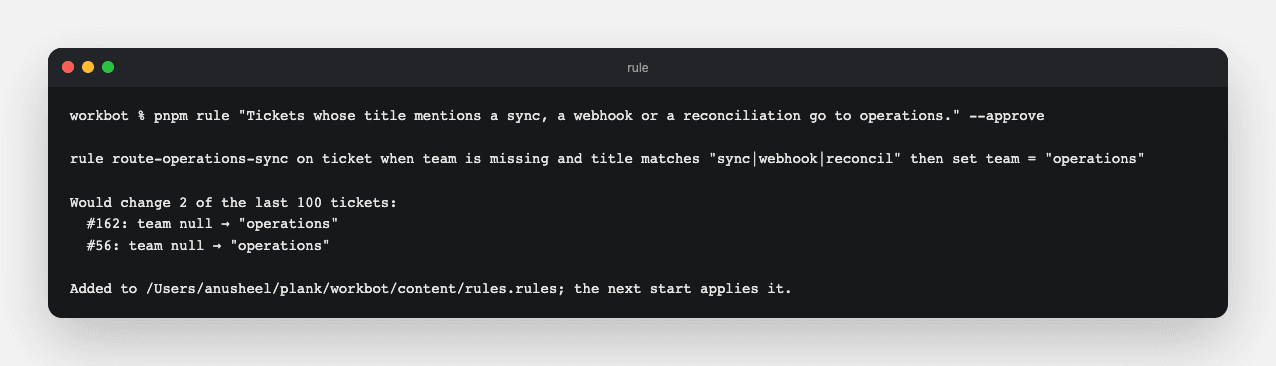
- WorkBot parses every level at startup, so a wrong file or variable fails at startup, naming the field or the pair, rather than at the first request. The rules file is parsed at the same startup, but it is not a level, because it has one source.
- The browser cannot read a file chosen at startup. So the server reads the configuration, and a client component gets what it needs as props. Next.js shows the pattern in passing data from server to client components, and the props must be serializable. A schema that depended on the customer becomes a function of what the server passes.
Build
- Write one
content/customers/<id>.jsonper customer, withsettingsfor what the customer overrides. Writecontent/defaults.json, which the product starts from, for the routes and how long a cached page is kept. AddCUSTOMERtosrc/lib/config.ts, naming the file a deployment serves. - Write
src/lib/settings.ts, with theSettingsandOverridesschemas andresolve(defaults, overrides, env), which holds the precedence in one place. A customer's value replaces the default's, field by field, and a route fromROUTESgoes first among the models its task tries.src/lib/routing.tsreads the resolved routes and nothing else. - Remove the import of the customer from
src/lib/request-model.ts. There,requestModel(teams)builds the schemas for a list of teams, andRequestDraftis what a client component composes.src/lib/requests.tsbuilds the real schemas from the customer on the server, and the catalog takes the teams the same way. - Bring up a second tenant from a file,
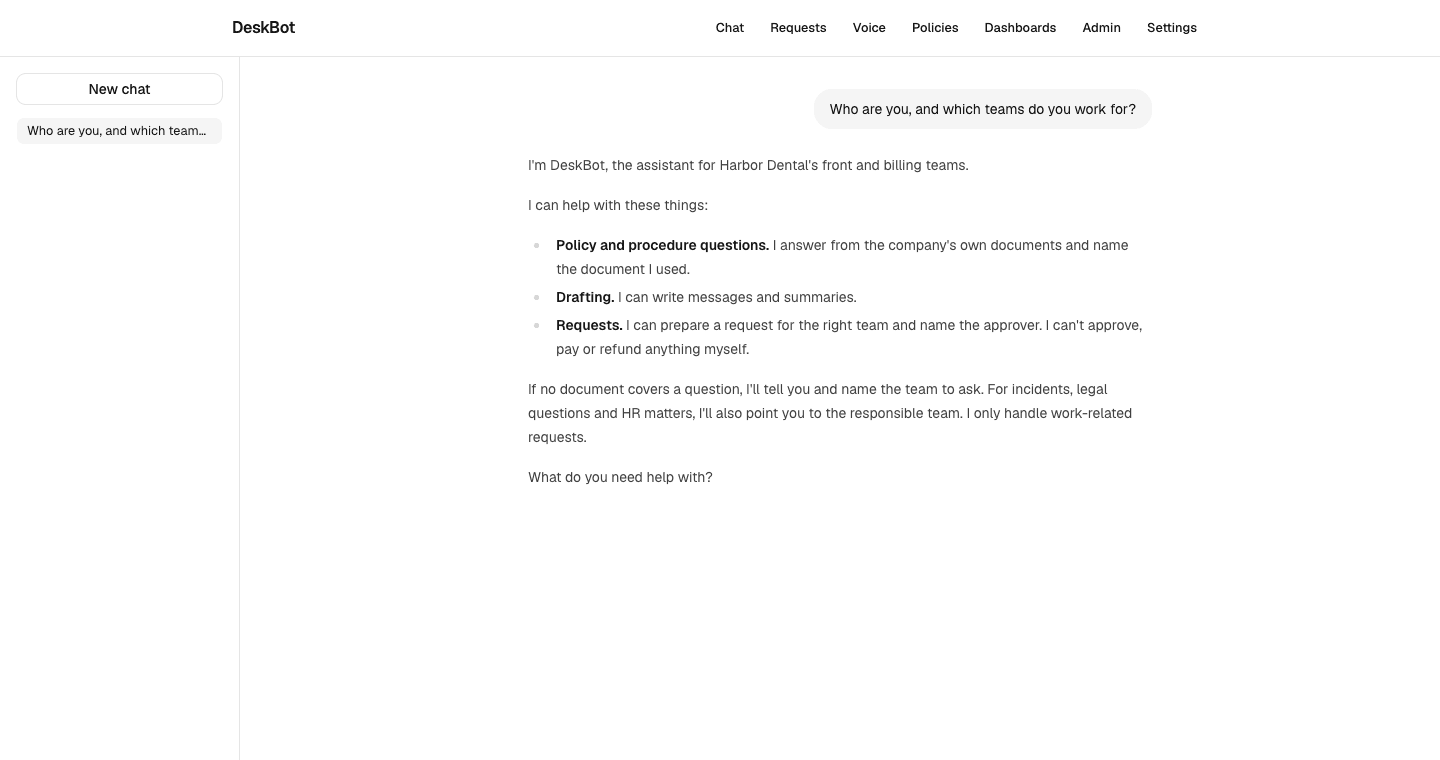
content/customers/harbor-dental.json, with its own teams and assistant, and override the chat's models insettings.routes.chat. The assistant's name reaches every page from the file, and the chat, a client component, takes the name as a prop. In the reference run, 12 places had said WorkBot in code. - Write tests for the precedence, level by level, and for a bad route or task refused at load. Add a run under
CUSTOMER=harbor-dentalthat checks the name, the teams, the prompt and the overridden route in one go.
Done when
CUSTOMER=harbor-dental pnpm build && pnpm startserves Harbor Dental's assistant with no change to code.
Technical notes
- In the reference run, the refactor touched 14 files, nearly all of them import lines. Modules that read
teamsfrom the model now read it fromrequests.ts, which builds the model from the customer. - One action changed shape. The catalog's
submit_requestkeeps its team check only when it is built with the teams. The browser's registry never prompts a model, so it builds the action without them, and the API checks the team. - The trigger paths of the eval workflow name
content/customers/**,content/defaults.jsonandsrc/lib/settings.ts, because a prompt is a function of the customer and a route decides the model. CUSTOMERis read when the app starts, and a page prerendered at build carries the build's customer, so a tenant is a build. Serving the second tenant from the first tenant's build shows the first tenant's brand on screen, as it did in the reference run.- Bringing up a tenant can show routing rules that name teams it lacks, and the app then refuses to start, as Harbor Dental showed in the reference run. So split the rules. The product's rules, which name no team, go in
content/rules.rules, and a customer's rules go beside its file, read after the product's. - User preferences, the third level in the curriculum, are not built, because WorkBot has no users yet.