Detect a file by its bytes
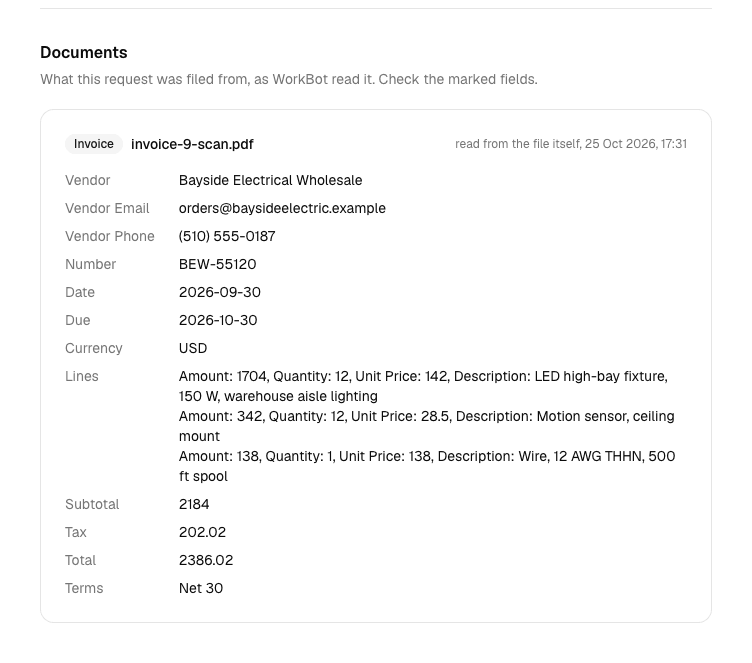
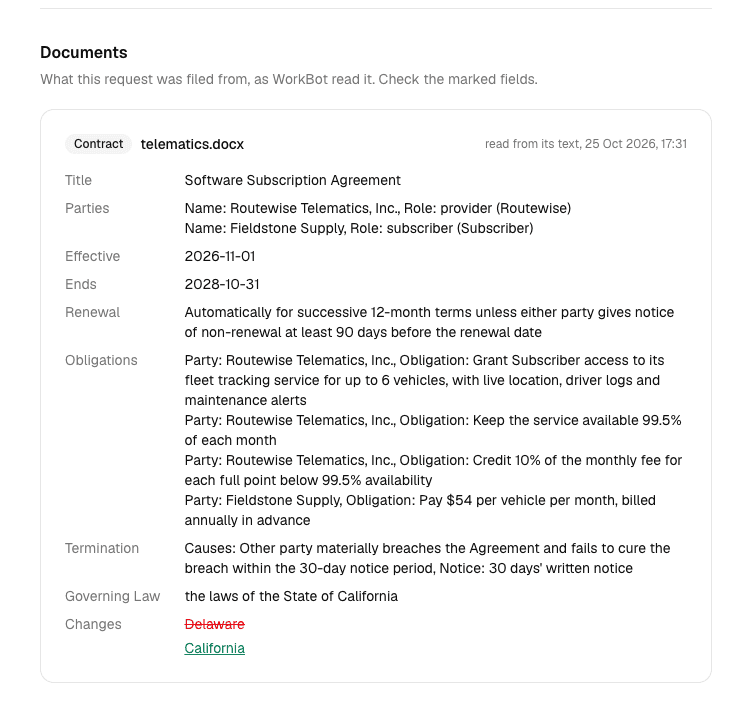
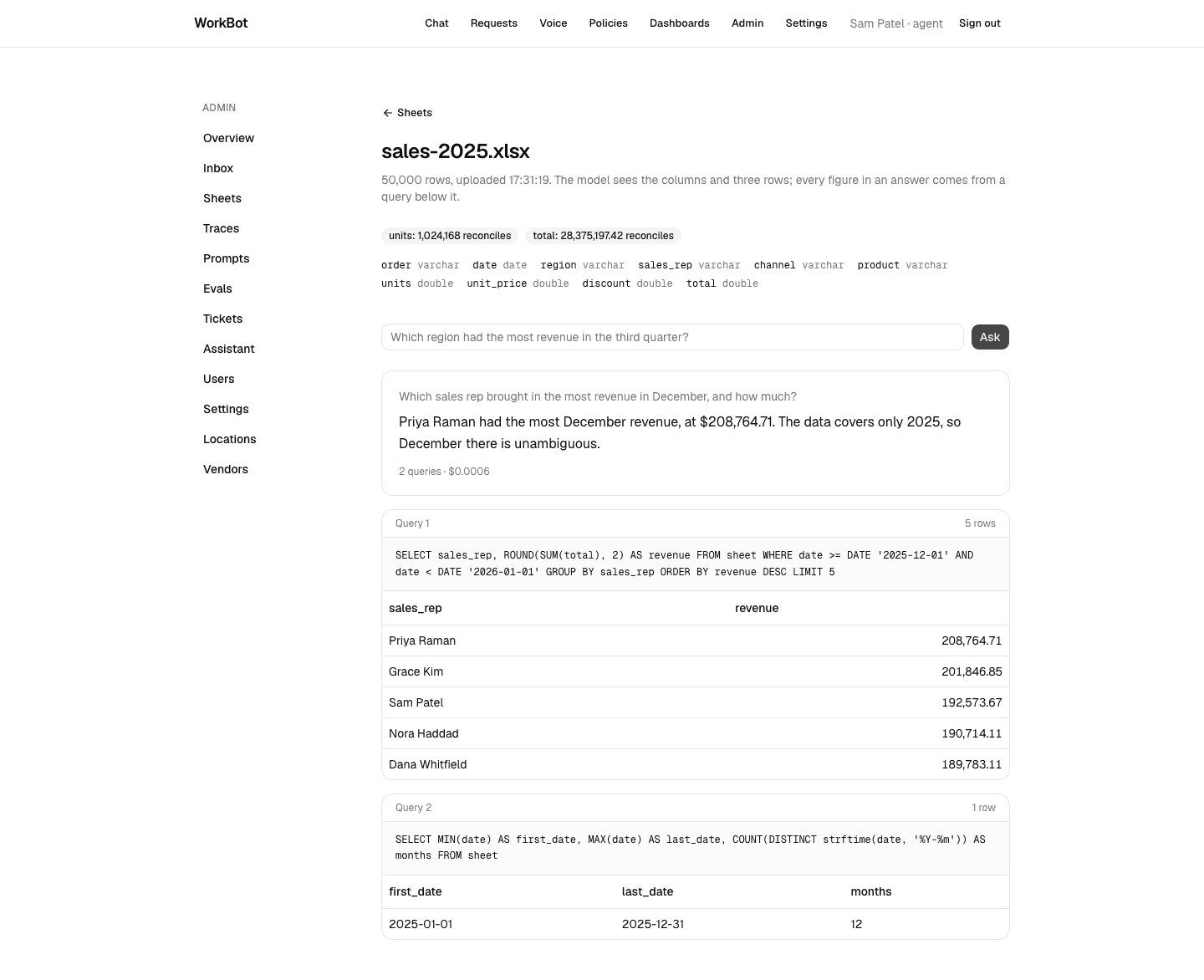
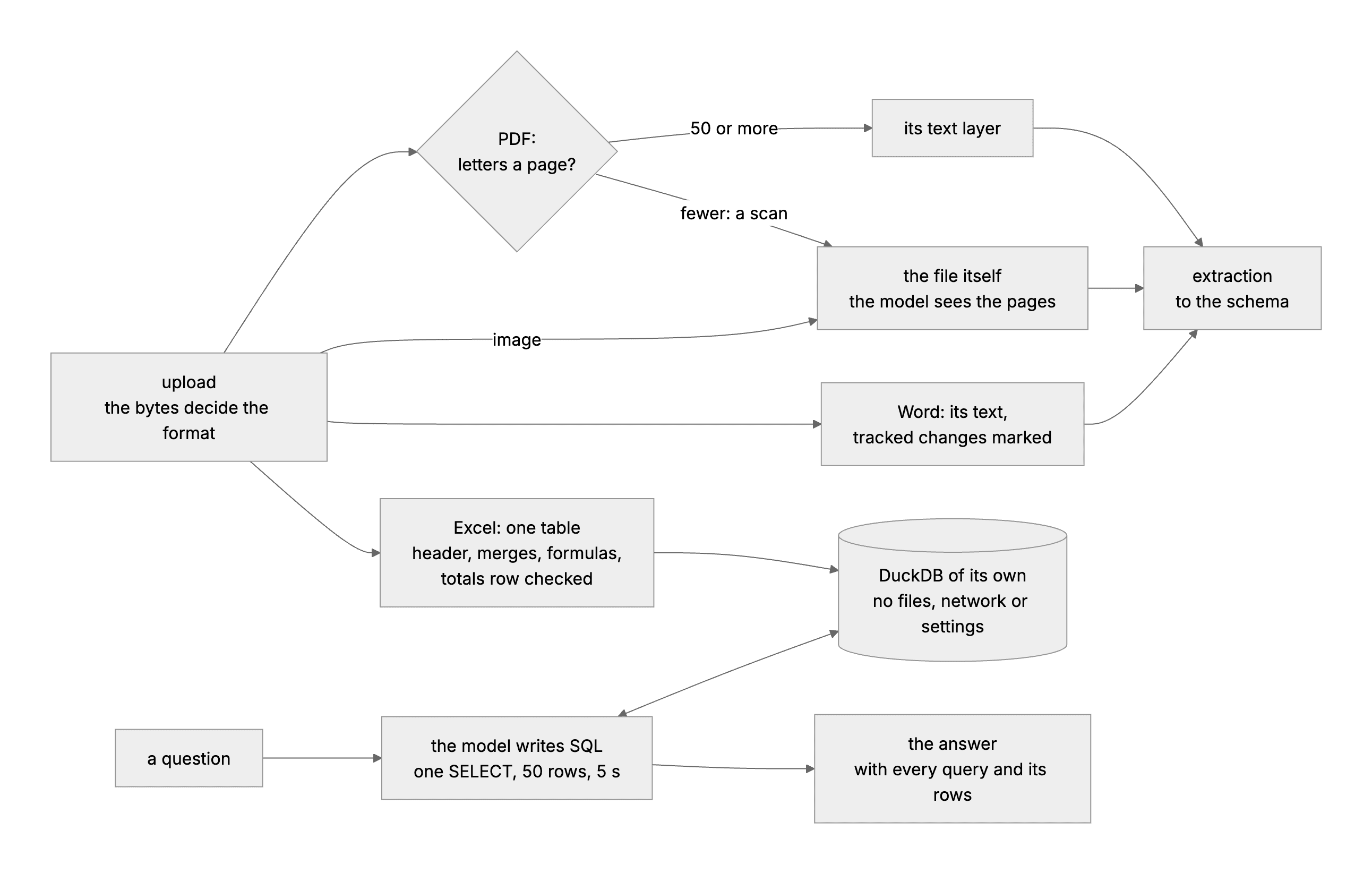
Every path starts from knowing what a file is. A file's name and its declared type can both be wrong, so WorkBot reads the bytes instead.
Study first
- File signatures are the fixed bytes a format opens with. A PDF starts with
%PDF-, and PNG, JPEG and WebP each have a fixed opening of their own. The web's standard for sniffing a file's type lists the image signatures byte by byte, and the zip signature too. A declared type comes from the file name or from whatever the sender says, so it proves nothing. - Office Open XML is the format of Word and Excel files. A
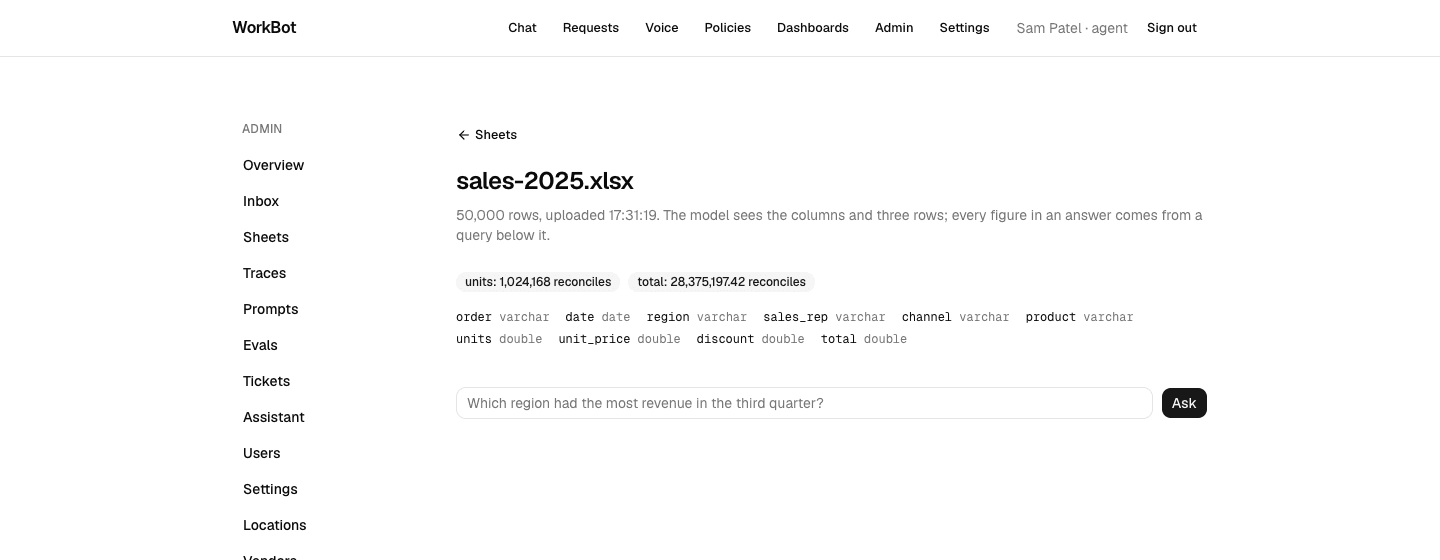
.docxand a.xlsxare zip archives of XML parts, and the part names tell them apart,word/document.xmlfor Word andxl/workbook.xmlfor Excel. Microsoft's guide to a spreadsheet's structure opens a workbook as a zip and shows the parts inside.
Build
- Write
formatOf(bytes)insrc/lib/files.ts. It reads the signature for PDFs and images, and for a zip it reads the names of the parts without unpacking the parts themselves. - Make every upload path decide the type from the bytes. That covers the new-request page and
POST /api/documentsfrom Day 17, and the inbox from Day 18. The endpoint refuses any other format with a 400 that lists the formats it accepts.
Done when
- A PDF renamed
.pngis read as a PDF, and a text file renamed.docxis refused before any model call.
Technical notes
- A file can start with
PK, the zip signature, and still not be a valid zip. Unzipping it then throws, and the API turns the error into a 500. Treat a broken archive as an unknown format, and add a test that posts one and expects a 400.